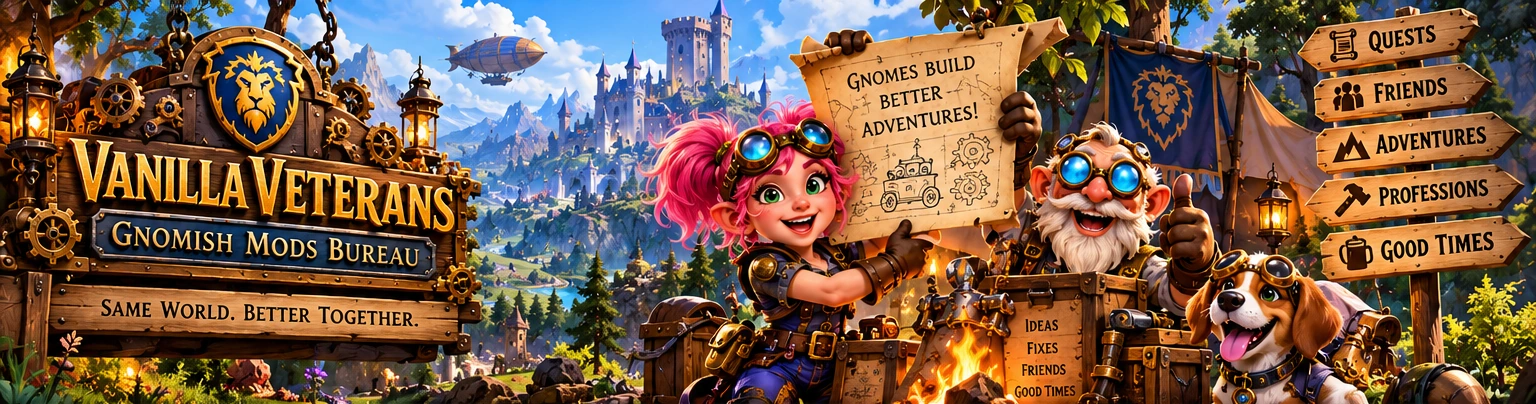
Illustrated Vanilla Veterans Gnomish Mods Bureau in a bright fantasy village: pink-haired gnome inventor, elderly engineer and beagle beside quest and adventure signposts.
Gnomish concept artwork · Not an in-game screenshot
THE ENGINEERING WING / THREE PRIVATE FIELD-TEST ADDONS / ALLIANCE GUILD FORMED

Little Gnomes.
Ridiculously big ideas.

Pick a rally point and find your friends with RallyRig. Set up your spells and built-in Scrub-O-Matic cleansing with TinkerDeck. Watch Fear or Sheep in a tiny Re-Sheep-erator window. Three addon candidates, with downloads pending review; no separate Scrub addon.

Fresh private field-test candidates: RallyRig v1.1.0-alpha.1, TinkerDeck v0.12.0-ux-alpha.10 (Scrub built in), and Re-Sheep-erator v0.1.3-alpha.1. WoW Forever game-client verification is still pending.

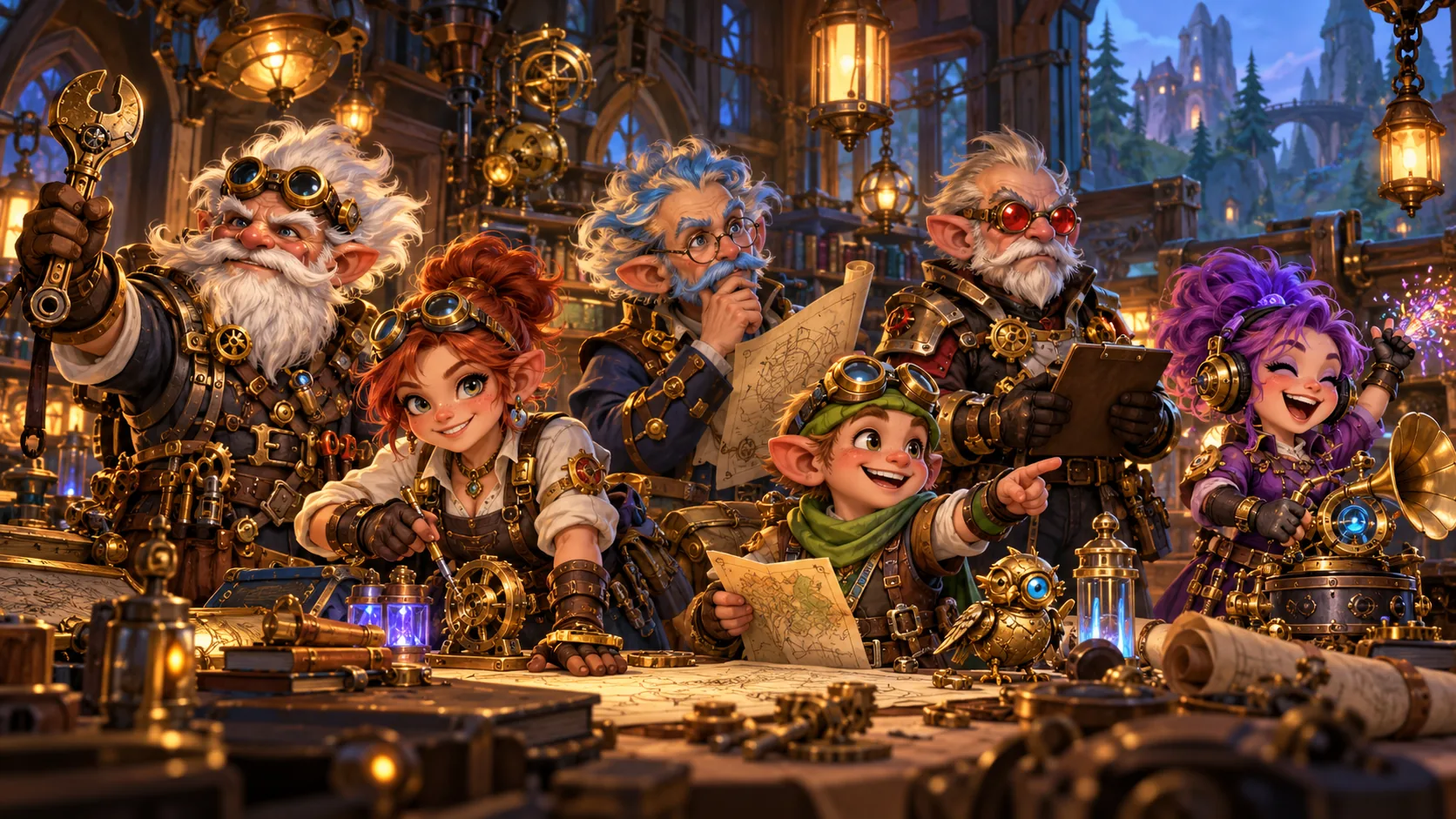
Six cheerful Gnomish inventors including the sound engineer and Q.A.C.K. inspector gathered around their contraptions
THE COUNCIL IS IN SESSIONEngineering · Users · Sound Engineering · Q.A.C.K.
RallyRig Create a Rally Point and draft a meetup invite TinkerDeck + Scrub Six action slots plus built-in cleansing Re-Sheep-erator Compact Fear/Sheep observation, manual recast
THE GNOMISH MODS BUREAU / THREE MODS / FIELD TEST REVIEW

Three Gnomish tools. One careful review.

These are private field-test candidates for WoW Forever. Their private test ZIPs have offline code checks; downloads are pending review and live-client operation is unverified. Scrub-O-Matic is INCLUDED inside TinkerDeck, never a fourth download.

Icons are artwork, not game screenshots. Actual client functionality remains unverified.
CURRENT PRIVATE FIELD TESTTHREE CLEAN-INSTALL TEST MODS: RallyRig Quick Rally, TinkerDeck with Scrub-O-Matic BUILT IN, and Re-Sheep-erator compact watcher. Offline preflight only; your WoW Forever client must verify actual operation. NO standalone Scrub download.
Combined test package

Since you cleared your older mods, this is the easiest test path. Extract once into your actual WoW Forever Interface/AddOns folder. It creates only RallyRigV1, MSBTinkerDeck, and MSBReSheeperator.

No Scrub-O-Matic addon folder; no extra proof addon; no automatic installer program.
Download pending review
📯 MAKE A RALLY POINTPRIVATE FIELD TEST / NOT CLIENT-CERTIFIED
RallyRig - Quick Rally illustrated Gnomish emblem

RallyRig - Quick Rally

Current test release v1.1.0-alpha.1Oct 17, 2026

Pick a destination. Set a meeting place. Gather your people.

  • Quick Rally opens first: save an adventure destination AND a separate meeting point.
  • A compact Rally Pocket stays available while you play, even if nobody else installed RallyRig.
  • Map Pin and Here are deliberate; Go/Map gives a truthful fallback when waypoint data is unavailable.
  • Sharing drafts a Party, Guild or Say chat message. Nothing is automatically sent.
  • The older Adventure Board remains accessible using /rallyrig board; multiplayer still needs real two-client evidence.
Folder: RallyRigV1 · Command: /rallyrig
Download pending review
45.0 KBSHA-256: ca5aae366b73...
⚙ CLEANSING INCLUDEDPRIVATE FIELD TEST / NOT CLIENT-CERTIFIED
TinkerDeck + built-in Scrub-O-Matic illustrated Gnomish emblem

TinkerDeck + built-in Scrub-O-Matic

Current test release v0.12.0-ux-alpha.10Private candidate

One addon. Six spell slots. Built-in cleansing.

  • Install one MSBTinkerDeck folder: Scrub-O-Matic is INCLUDED and has no separate download.
  • My Deck has six deliberately configured spell actions; use Save & Apply outside combat.
  • Heal & Buff and compact Scrub controls are in the same addon; try /td heal and /scrub doctor.
  • A cleansing action still needs your click, your character to know the spell, and the client to allow it.
  • The workbench and secure actions need real Forever-client testing; do not assume live compatibility.
Folder: MSBTinkerDeck · Command: /td deck
Download pending review
Private candidate; download pending review.
🐑 CROWD CONTROL WATCHPRIVATE FIELD TEST / NOT CLIENT-CERTIFIED
Re-Sheep-erator - Compact CC Watcher illustrated Gnomish emblem

Re-Sheep-erator - Compact CC Watcher

Current test release v0.1.3-alpha.1Oct 17, 2026

Small watcher. Honest status. Your decision.

  • Compact 302 x 106 watcher for target or focus, with setup one click away.
  • Observe supported Fear, Polymorph, Banish and other crowd-control effects only when readable.
  • Status UNKNOWN is expected when the client restricts aura information.
  • This build is OBSERVATION ONLY. One-click CC recast is not implemented or approved for live use.
  • Use your existing spell binding to reapply control; record what the Forever client actually shows.
Folder: MSBReSheeperator · Command: /resheep show
Download pending review
13.9 KBSHA-256: 73f8c1cc38c4...

The combined and individual test packages are pending review and are not available here. Do not mix package versions if testing is later authorized.

Addon downloads are pending review, including when JavaScript is unavailable.

Welcome to the Gnomish Field Testing workbench.
Choose the addon that fits your play style. Start with its Quick Guide, then run the real Q.A.C.K. tests when you are ready. Results remain on your device until you choose to share them.
⚠ TEST BUILDS · NOT GAME-CERTIFIED RELEASES
RALLYRIG v1.1 / QUICK RALLY

Where are we going? Where do we meet?

Quick Rally is designed for the actual reason people install an adventure addon: get online, agree on a meeting point, and start playing. It is useful even when you are the only person with RallyRig installed.

YOUR ADVENTURE IN FOUR STEPS
01
CREATE: Choose your destinationExample: The Deadmines, Westfall. You can also pick a different activity like questing or exploring.
02
MEET: Set the actual Rally PointExample: Moonbrook entrance. Choose an existing WoW map pin, a manual place name, or capture HERE only when physically there.
03
SHARE: Draft an invitationParty, Guild or Say opens a chat draft. You review it and press Enter yourself; the addon never silently sends.
04
GO: Follow a real pin or written instructionsUse Go/Map. If the game exposes no usable coordinates, RallyRig displays an honest manual fallback rather than inventing GPS.

Q.A.C.K.: actual messages, waypoints and two-player coordination are NOT YET VERIFIED in the live Forever client. The Rally Pocket is your compact local companion, not a confirmed shared event service.

01

Make a Rally in seconds.

Save the adventure destination and actual meeting location separately. Try the under-30-second target and report whether it really feels easy.

02

Travel with a small Rally Pocket.

Keep the meeting information readable without occupying your whole screen. Drag it, close it and reopen it with /rallyrig pocket.

03

Keep the old Adventure Board available.

The legacy Browse/Post/Find/Connect tools remain accessible with /rallyrig board but are not the new default. Multiplayer validation is a separate Q.A.C.K. gate.

Explore RallyRig details
Quick-start briefing / Choose an invention

What should I test first?

Choose a mod for the shortest practical introduction.

Open /rallyrig and create a Rally Point

First test: Deadmines destination, Moonbrook entrance meeting point, compact Rally Pocket, then check Chat Share and Go/Map.

RALLYRIG / ACTUAL PLAY WORKFLOW

A Rally Point is more than a waypoint.

Navigation addons tell you where. RallyRig's goal is to preserve the agreement: what adventure, what meeting spot, who you asked, and where to go next. In this first test, the saved Rally Point is LOCAL; full participant synchronization is not yet proven.

01 / DESTINATION

Let's run Deadmines.

Set the dungeon, quest, exploration area or any other adventure. This is the activity, not automatically the place to meet.

Example: The Deadmines, Westfall.
02 / MEETING LOCATION

Meet at Moonbrook.

Save a separately named entrance or exact place. If a map pin is available, try Map Pin, then Go/Map. Otherwise use written directions.

Example: Moonbrook entrance, Westfall.
03 / YOUR INVITATION

Invite deliberately.

Make a native chat draft for Party, Guild or Say. You review it and press Enter. RallyRig cannot claim someone received a message until you actually verify it.

Real attendance and shared live updates are future two-client gates.

WHY INSTALL? The first player should be able to plan, remember and navigate a Rally Point without waiting for every guildmate to install another addon. Community coordination is the next test, not an already-proven feature.

PRIVATE Q.A.C.K. FIELD-TEST CANDIDATE

TinkerDeck — v0.12.0 UX alpha.10

Health Bars Repair Candidate · Private Field Testing

A repair on the workbench, not a certification

TinkerDeck remains a compact six-slot ability and healing companion, with Scrub-O-Matic built in. Its healing plates use secure unit buttons and native health bars. Alpha.10 addresses a suspected protected-health-value handling problem; the cause has not been confirmed in the game client.

The Heal & Buff setup preview is simulated and noncasting. Actual health appears on the in-game healing plates. Health-bar rendering, percentages and click-healing still require real in-game verification. This candidate is not a certified release or a HealBot equivalent.

Private candidate: no public addon download is available. The Q.A.C.K. inspector insists on evidence before stamping anything green.

Q.A.C.K. field instructions

  1. Back up the existing MSBTinkerDeck folder and SavedVariables. With WoW closed, install the privately supplied candidate so Interface/AddOns/MSBTinkerDeck/MSBTinkerDeck.toc exists; do not install duplicate folders. Restart the client.
  2. Use /td status to confirm 0.12.0-ux-alpha.10, then /td heal to enable the real plates. Do not judge live health from the simulated setup preview.
  3. Check the player plate at full health, after damage and after healing. Check percentage changes where the client permits them. Test party members, pets and an optional friendly target, in and out of combat, and confirm names and units match.
  4. Configure outside combat and test deliberate Heal/Buff mouse and modifier clicks with known spells, first without HealBot. No spell should cast automatically or target the wrong unit. If testing alongside HealBot, disable overlapping frames and bindings.
  5. Check readability at your UI scale, reload and verify settings. For a failed plate, run /td hpdebug; enable /console scriptErrors 1 and capture diagnostic text, Lua errors and screenshots. Share results manually using the Q.A.C.K. checklist.

Record untested cases honestly. Offline tests do not establish client compatibility; promotion requires the owner's in-game approval.

THE OTHER TWO MODS / SIMPLE FIRST

One deck with cleansing. One small CC watcher.

TinkerDeck now includes Scrub-O-Matic in the SAME addon. Re-Sheep-erator remains separate for target/focus observation.

TinkerDeck illustrated gear
TINKERDECK + SCRUB INCLUDED

Six spell actions and a built-in cleanse dock.

Use /td deck for six actions and /td heal for Heal & Buff. The integrated Scrub module exposes /scrub doctor and /scrub show without installing a second addon. Configure secure actions out of combat. Actual click-to-cast behavior is still unverified in Forever.

Explore TinkerDeck details
Re-Sheep-erator illustrated sheep
RE-SHEEP-ERATOR / COMPACT

Watch Fear or Sheep without the giant window.

The 302 x 106 watcher has target/focus status and a Setup button. /resheep show opens it. UNKNOWN means combat/aura data could not be confirmed. This version DOES NOT one-click recast spells; use your normal spell action.

Explore Re-Sheep-erator details

Scrub-O-Matic has no separate download or addon-folder requirement. The private field-test ZIPs are pending review and are not client-certified releases.

RE-SHEEP-ERATOR v0.1.3 / COMPACT WATCH

Small watcher. Honest status.

Your Fear or Polymorph target should not consume half your screen. Re-Sheep-erator now uses a smaller watcher and keeps its full settings one click away. It is observation-only until safe one-click recasting is proven on the real game client.

Illustrated sheep icon
YOUR FOCUS OR TARGET

Watch the chosen unit and report real CC aura status.

Fear UNKNOWN if aura is restricted
Illustrative status only - not a live screenshot.

One small window. Recast yourself.

Use /resheep show, /resheep target or /resheep focus. Record whether your watched enemy and real aura state match the UI.

The secure recast button is NOT in this build: focus and target identity must not silently drift to another enemy. Continue to cast or recast Fear/Sheep manually.

Get the compact watcher
THE GNOMISH MODS BUREAU / FICTIONAL ARCHIVE

The Contraption Graveyard

Not every great idea survives testing. Nine spectacularly questionable devices, Brixie Boomwhistle's curator notes and Q.A.C.K.'s official-sounding incident reports await you in our entirely fictional engineering annex.

Meet the Graveyard curator: Brixie Boomwhistle ↗

Visit the Graveyard →No downloads. Just exquisitely documented disasters.
Future monetization anchor bureau-after-graveyard: intentionally not active. Requires publisher approval, content/privacy/IP check and owner authorization.
THE GNOMISH WORKSHOP BOARD

What is on the Q.A.C.K. workbench?

Current test baselines and their honest status. Scrub-O-Matic now lives inside TinkerDeck; there are three addon candidates and downloads are pending review.

FIELD TESTRallyRig

RallyRig — Adventure Commons (one addon)

Quick Rally creates an adventure destination, a distinct meeting point and a compact Rally Pocket; older Browse/Post/Find/Connect remains accessible but peer receipt is not certified.

FIELD TESTRallyRig

Find Me & Find the Objective

Find Me deliberately shares a party-only map snapshot (15-minute lifetime). Find the Objective tries the game-provided next quest step, with an honest UNKNOWN fallback; neither is guaranteed navigation.

FIELD TESTTinkerDeck

TinkerDeck — My Deck, Heal & Buff

Six icon-rich action cards, manually configured Enemy/Friend spells, optional compact pet/party/target healing plates, saved setups and a circular minimap menu.

FIELD TESTTinkerDeck

Scrub-O-Matic - built into TinkerDeck

Manual class-compatible cleanse controls, slim dock and optional placement beside Tinker Plates; current experimental round minimap launcher.

FIELD TESTRe-Sheep-erator

Re-Sheep-erator — Crowd Control Watch

Target/focus CC observation with readable timers when the client permits; explicit unknown states; sheep-shaped minimap opener. No auto-cast or unverified early-break attribution.

SOUND REVIEWBureau

Brixie’s Sound Lab

Optional website samples you can audition yourself. Sound effects are not included in the addon ZIPs.

DEFERREDRallyRig

Specialist systems stay with specialists

Large quest catalogs, guild directories, crafting databases and independent mapping engines are OUT of current RallyRig scope. Interoperability may be researched only after core multiplayer testing.

Have an idea? Send your suggestion through the Q.A.C.K. feedback report. The Engineers consider it, the Users challenge it, Brixie listens for audio delight, and Boomcheck demands evidence before release.
INSTALLATION DEPARTMENT / CLEAN START

Three addon folders. Testing awaits review.

For any future authorized test, start with a clean installation. There is NO Scrub-O-Matic addon to install separately.

Combined package pending review

If testing is later authorized, extract the reviewed three-folder ZIP into the actual WoW Forever Interface/AddOns directory. Do not put the outer ZIP inside AddOns and do not create an extra wrapper folder.

Download pending review
  1. Exit WoW Forever completely. Back up your Interface and WTF folders if you have existing addon settings to preserve.
  2. Unzip once. Extract the package's three top-level folders into your Forever client's real Interface/AddOns/ directory. If the game has multiple installations, check the exact Forever folder first.
  3. Verify these EXACT folders:
    Interface/AddOns/
      RallyRigV1/
      MSBTinkerDeck/
      MSBReSheeperator/

    There should be NO MSBScrubOMatic/ folder. No separate standalone Scrub is necessary.

  4. Enable and open: at character selection, enable the three mods if required. Once logged in, try /rallyrig, /td deck, /scrub doctor and /resheep show.
  5. Play and report: spend 60-120 minutes trying the features; mark the Q.A.C.K. tests below, copy the report and paste it back into this ChatGPT conversation with screenshots. Nothing is submitted automatically.
ALPHA FIELD TEST / NOT CERTIFIED: RallyRig's chat and map behavior, TinkerDeck's protected spells and cleansing, and Re-Sheep-erator's live CC data must still be checked on the real Forever beta. If anything fails, record the error and the exact step. Re-Sheep-erator cannot recast CC yet.
Ten official Gnomish Council characters · four departments · zero missing portraits

Meet the Gnomish Council.

The tools are built by Engineering, challenged by players, tuned by Sound Engineering, and relentlessly tested by Q.A.C.K. Brixie has officially claimed the loudest seat in the workshop.

Gnomish engineers, player representatives, the Q.A.C.K. inspector and sound designer together in their fantasy workshop
THE COUNCIL OF CONTROLLED KABOOMERYTools first. Delight by design.
Illustrated portrait of High Tinker Fizzwick Brassbolt
ENGINEERING

High Tinker Fizzwick Brassbolt

Chief Mechanist

“Build the useful thing first. Then add one glorious gear.”

Illustrated portrait of Tizzi Clickspring
ENGINEERING

Tizzi Clickspring

Interaction Engineer

“If Pip has to read a manual, the lever is too complicated.”

Illustrated portrait of Professor Bix Gearlock
ENGINEERING

Professor Bix Gearlock

Privacy & Safety Architect

“Friends may adventure together. Their alts still belong to them.”

Illustrated portrait of Pip Onebutton
GNOMISH USERS

Pip Onebutton

Chief User Advocate

“I just want to see who wants to play tonight.”

Illustrated portrait of Nibbin Altsprocket
GNOMISH USERS

Nibbin Altsprocket

Alt & Character Expert

“One player. Seven alts. At least twelve questionable plans.”

Illustrated portrait of Grimble Geartrail
GNOMISH USERS

Grimble Geartrail

Exploration & Wandering Expert

“Sometimes the best quest is seeing what happens over that hill.”

Illustrated portrait of Chief Inspector Boomcheck
Q.A.C.K.

Chief Inspector Boomcheck

Release & Evidence Inspector

“No invented PASS stamps. No unexplained explosions.”

Illustrated portrait of Deputy Sprocket Sniffwhistle
Q.A.C.K.

Deputy Sprocket Sniffwhistle

Bug Reproduction Investigator

“If it explodes twice, I can probably reproduce it.”

Illustrated portrait of Nimble Coglens
Q.A.C.K.

Nimble Coglens

Readability Inspector

“Tiny buttons must still work over a dark Azeroth hillside.”

The Rule of the Workshop: Useful first. Understandable second. Delightful third. Accurate and safe at every step. Fictional biographies are our storytelling; tested addon behavior requires real player evidence.
Brixie Boomwhistle · Department 04 / Sound Engineering

Operation BOOMSHAKALAKA.

Try four original Gnomish sounds here, then enter Brixie’s Boom Lab to remix them into beats. These are website sounds, not effects installed in the WoW addons.

Meet Brixie Boomwhistle · Mage, Engineer & Chief Sonic Kaboomologist ↗

Brixie Boomwhistle, purple-haired Gnome who adores tasteful explosions
🔇 Silent until you press Preview
⚙

Clockwork Click

A quiet mechanical click for a deliberate saved-setting confirmation.

💥

Brassbolt KABOOM

Short and punchy: hard impact, rumble and just enough Gnomish hardware.

🔥

BOOMSHAKALAKA

Full-sized miniature epic: impact, pressure burst and metallic finale. Not a bloop.

WEBSITE SOUND AUDITIONS ONLY. Nothing auto-plays or loops. Explosions have a short cooldown. The newly auditioned sounds have NOT been inserted into the current addon ZIPs; that requires a separate approval and in-game Q.A.C.K. review.

OFFICIAL GNOMISH COMMISSIONING BUREAU · DEPARTMENT Q.A.C.K.

Meet Q.A.C.K.

Quality Assurance & Controlled Kaboomery

Every Gnomish invention deserves a real test. Preferably one in which nobody loses an eyebrow.

The Engineers build the inventions. Gnomish Users ask whether anyone can understand the levers. Brixie Boomwhistle gives the machines some delightful noise. Q.A.C.K. makes sure the thing actually works for real adventurers.

We inspect crashes, confusing buttons, quest-sharing hiccups, unreadable windows and suspiciously premature victory celebrations. You can become an honorary field inspector—no engineering degree or fireproof undergarments required.

“No invented PASS stamps. No unexplained explosions.” — Chief Inspector Boomcheck
Enthusiastic gnome inspector examines a mechanical invention with a brass magnifying glass and a checked inspection clipboard
Every eyebrow accounted for. Mostly.
MEET YOUR INSPECTION CREW

Three inspectors. One suspiciously large stamp.

These are members of the same ten-Gnome Council, not another team or separate addon.

Portrait of Chief Inspector Boomcheck
CHIEF INSPECTOR

Boomcheck

Evidence and release decisions. Nothing gets a PASS just because the button looks lovely.

Portrait of Deputy Sprocket Sniffwhistle
DEPUTY INSPECTOR

Sniffwhistle

Bug reproduction. Tell us exactly what you clicked and what went gloriously wrong.

Portrait of Nimble Coglens
READABILITY INSPECTOR

Coglens

Legible windows, sensible controls, readable text and no buttons hiding under a staircase.

YOUR FIRST FIELD ASSIGNMENT

Test like a Gnome—in three simple moves.

Start with one addon. Try only what you can really test. Record the result, not a guess.

Gnome test coordinator showing a book of marked adventure plans
01 · CHOOSE

Pick a contraption

Choose RallyRig, TinkerDeck, Scrub-O-Matic or Re-Sheep-erator. Review its field assignments; test ZIPs are pending review.

Explorer gnome uses a compass while planning an expedition
02 · INSPECT

Try it in the real game

Check the action in WoW Forever. Mark Pass, Issue or Not tested. Take screenshots of surprises.

Gnome inspector reviewing a checklist and recording a reproducible observation
03 · REPORT

Bring home the evidence

Export or copy your results and send them yourself through your guild's preferred channel. This website never automatically submits reports.

YOUR MISSION, SHOULD YOU CHOOSE TO ACCEPT IT

Which contraption will you inspect?

Select an addon to jump directly to its real Q.A.C.K. checklist. Opening it will not mark anything as tested or share player data.

Q.A.C.K. truth check: A valid ZIP and a website that loads are not proof the addon behaves correctly in WoW Forever. Current builds are experimental. Unknown, unsupported, or untested is not a PASS. No data leaves this site unless you deliberately share a report.

A cheerful Q.A.C.K. gnome inspector peering through a magnifying glass
Form 017-B / The Bureau of Dubiously Safe Contraptions

TEST LIKE A GNOME!

If testing is later authorized, choose one of the three test addons. Start with solo installation and the in-game smoke checklist; live multiplayer remains a separate gate. Nothing is reported automatically, so copy your results and share them in this chat with screenshots.

Three current builds60-120 minute solo play sessionSave real screenshots/errorsNo automatic report upload

Chief Inspector Boomcheck: “If the network works, which other Gnome actually received the message? Exactly. I’ll wait.”

Testing alone? Perfect for the first pass. RallyRig's two-client delivery and real participant synchronization remain NOT TESTED, not a reason to delay checking the solo Quick Rally workflow.

BEFORE THE FIRST TEST: close WoW and back up your Interface/WTF folders. Install only the three folders shown above. Scrub-O-Matic is already in TinkerDeck. Every PASS must be observed in the real Forever client; mock results alone do not count.
Inspection bench / Your field assignments

Choose your contraption

Q.A.C.K.
NOT CERTIFIED
0 of 15 checkedMark Pass, Issue, or Not tested as you go
📋 Q.A.C.K. rule: A skipped test is not a failure. A planned but unbuilt feature is not a bug. An unexpected result? Record what happened, don't invent the cause.

Solo Quick Rally - first 10 minutes

RR14-01

Addon loads and Quick Rally opens

After fresh install, enter /rallyrig. Quick Rally should open; the older board must not replace it by default.

Evidence: Screenshot or exact Lua error
RR14-02

Destination is separate from meeting point

Create The Deadmines as destination and Moonbrook entrance as meetup. Save a Dungeon Rally.

Evidence: Saved rally screenshot with both places
RR14-03

Rally Pocket is compact and movable

Save, drag Rally Pocket, hide and reopen using /rallyrig pocket.

Evidence: Screen-space screenshot and notes
RR14-04

No invented waypoint

Press Go/Map BEFORE setting a map pin; confirm useful manual fallback instead of false arrow.

Evidence: Actual map result or exact failure
RR14-05

Map Pin and Here are deliberate

Set a real map pin and press Map Pin; optionally use Here ONLY at the intended meetup. Test Go/Map.

Evidence: Coordinate behavior and error if client API missing
RR14-06

Sharing requires deliberate Enter

Click Share -> Say and review native chat draft. Do NOT press Enter unless you really want to send.

Evidence: Screenshot of draft; verify nothing auto-sends
RR14-07

Reload preserves local rally

Use /reload; confirm Rally Pocket returns and no chat message sends.

Evidence: Screenshot after reload
RR14-08

Old board is still accessible

Run /rallyrig board. Observe older Adventure Board, then return to Quick Rally.

Evidence: Both screens or exact command failure
RR14-09

Close requires two actions

Use Close, then Confirm; make sure no accidental deletion occurred on first click.

Evidence: Before/after screenshot

Follow-up, ONLY with a real second client

RR14-10

Two clients actually receive coordination

Have a friend independently install exact matching version and confirm sent invitation and any real peer synchronization. A draft alone is not delivery.

Evidence: Both clients visible, time and client version
Q.A.C.K. Service Counter / Incident Form 017-B

A suspicious grinding noise?
Ask an inspector.

Chief Inspector Boomcheck's service counter helps you troubleshoot a real test. New to the Bureau? Meet Q.A.C.K. first; reports and copied notes stay on your device until you share them yourself.

Who are these inspectors? Meet Q.A.C.K. ↑

🛡 Go to Test Like a Gnome! →

⚙ Ask Chief Inspector Boomcheck

Use a current version for each test

Check actual folder names, load errors and slash commands. Try /rallyrig, /td deck, /scrub doctor, /resheep show. Screenshots and exact errors count as evidence; interface visibility does not prove real spell casting or multiplayer delivery.

📋 Report an unlicensed kaboom

Paste the copied report and a screenshot into this chat.

Current site test candidates: RallyRig v1.1.0-alpha.1, TinkerDeck + built-in Scrub v0.12.0-ux-alpha.10, and Re-Sheep-erator v0.1.3-alpha.1. No live Forever certification; one-click CC recast NOT IMPLEMENTED.

GOOD QUESTIONS / SENSIBLE GNOMISH ANSWERS

Three installs, no mysteries.

What exactly do I download?

The combined and individual test ZIPs are pending review and are not available here. If testing is authorized later, use one package set, not both; there are three addon folders.

Where is the Scrub-O-Matic download?

There isn't one. Scrub-O-Matic is now part of TinkerDeck. Install MSBTinkerDeck and try /scrub doctor or /scrub show. No separate MSBScrubOMatic folder is needed.

Does RallyRig summon all my friends to a meeting point?

No. This first Quick Rally build records your destination and meeting spot, drafts a message for you to send, and attempts an existing supported map pin or manual fallback. Receiving-client coordination still needs a two-player test.

Does it work if nobody else installed RallyRig?

The local Rally Point and Pocket were designed to be useful for a solo organizer. The actual Forever client still needs to verify the feature. A friend without the addon can read a normal in-game chat invitation if you deliberately send one.

Does TinkerDeck automatically cast or cleanse?

No. Protected spells and cleanses require your own permitted click. Configure actions out of combat. Success must be confirmed in the game; if a class has no learned compatible cleanse, Scrub should not invent one.

Can Re-Sheep-erator one-click re-Fear or re-Sheep yet?

Not in this build. Version v0.1.3-alpha.1 is a compact observer only. A secure, correct-target recast mechanism is under investigation and must not cast on the wrong unit. Recast with your normal spell binding.

How do I report my test results?

Use the Q.A.C.K. checklist, mark what actually worked, then copy or download the report. Paste it back into your ChatGPT conversation and attach screenshots. The website does not submit reports automatically.

Are these production-ready or Blizzard certified?

No. They are experimental private field-test candidates with offline source/ZIP preflight only, with downloads pending review. The real client, spells, network interactions and performance require actual player evidence.

Gnomish inventors and guild friends in a glowing fantasy sunset village
End of official commissioning notice

The best adventures start with friends. The best inventions start with a brave tester.

Pull a lever. Take a screenshot. Make the next expedition better. The Q.A.C.K. paperwork is terrifyingly optional; useful feedback is not.

Download pending reviewDownload pending reviewDownload pending reviewTest Like a Gnome!

“We test it until it works. Then we test why it worked.” — The Q.A.C.K. Charter